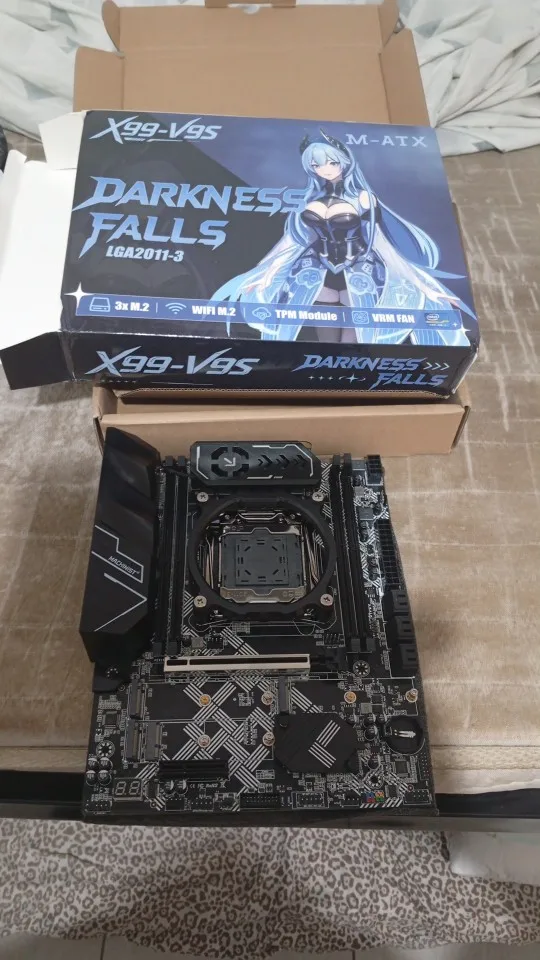
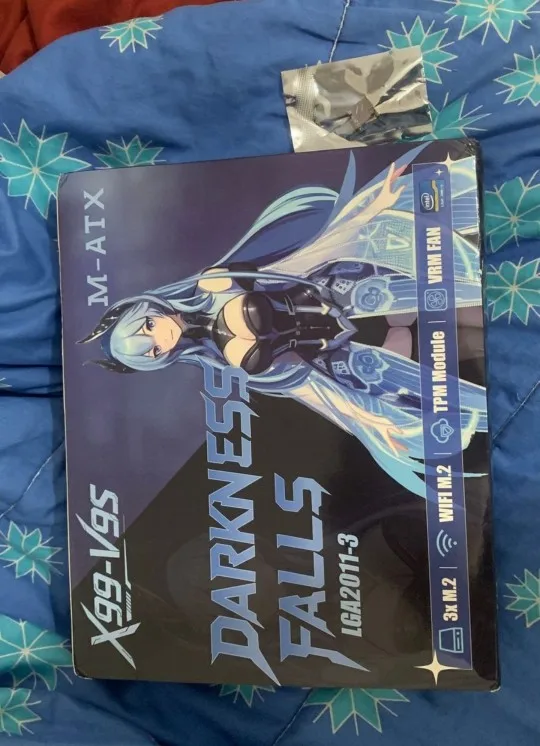
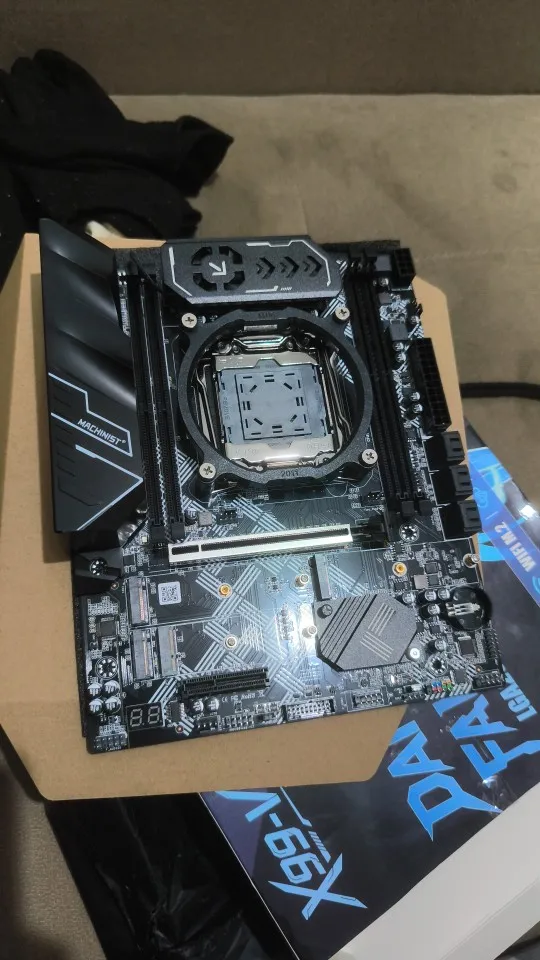
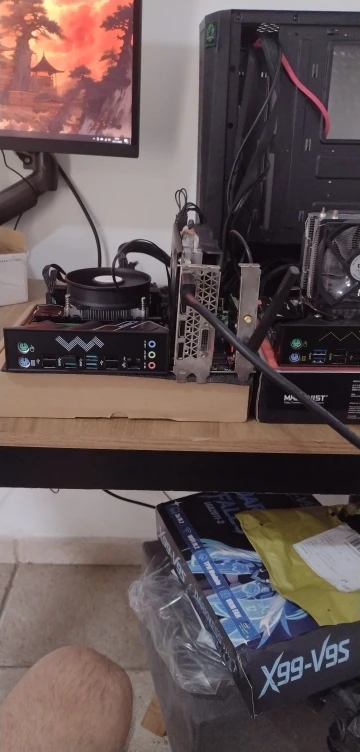
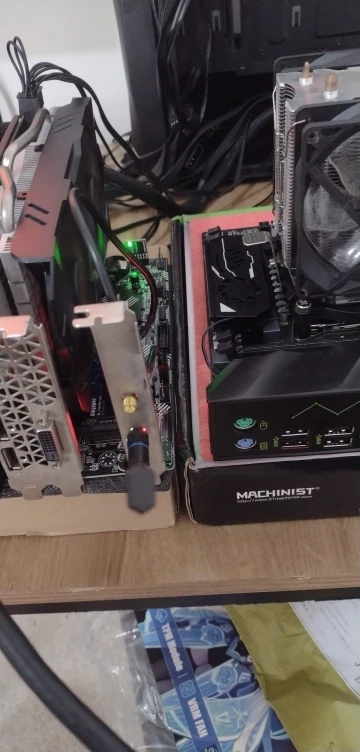
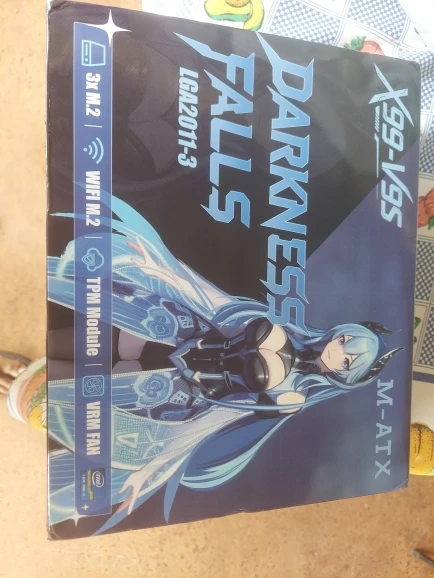
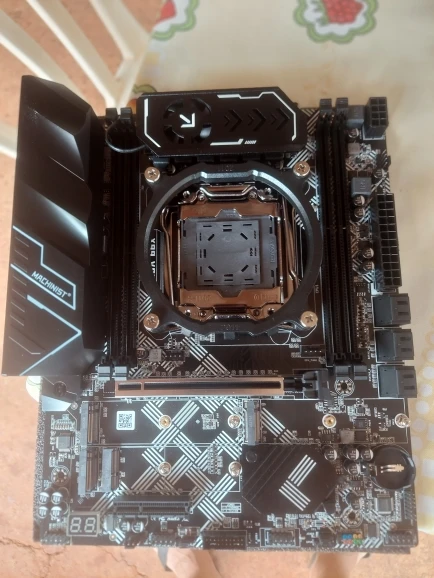
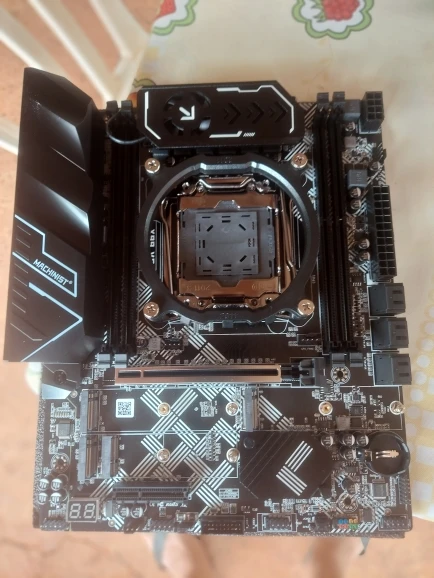
Placa-mãe MACHINIST X99 V9S LGA 2011-3 para Intel Xeon E5 V3 V4 DDR4 M-ATX

Placa-mãe MACHINIST X99 V9S LGA 2011-3 para Intel Xeon E5 V3 V4 DDR4 M-ATX

Preço promocional  $81.99 USD Preço normal  $99.99 USD
Pular para as informações do produto
Placa-mãe MACHINIST X99 V9S LGA 2011-3 para Intel Xeon E5 V3 V4 DDR4 M-ATX

Placa-mãe MACHINIST X99 V9S LGA 2011-3 para Intel Xeon E5 V3 V4 DDR4 M-ATX

Preço promocional  $81.99 USD Preço normal  $99.99 USD

18 avaliações

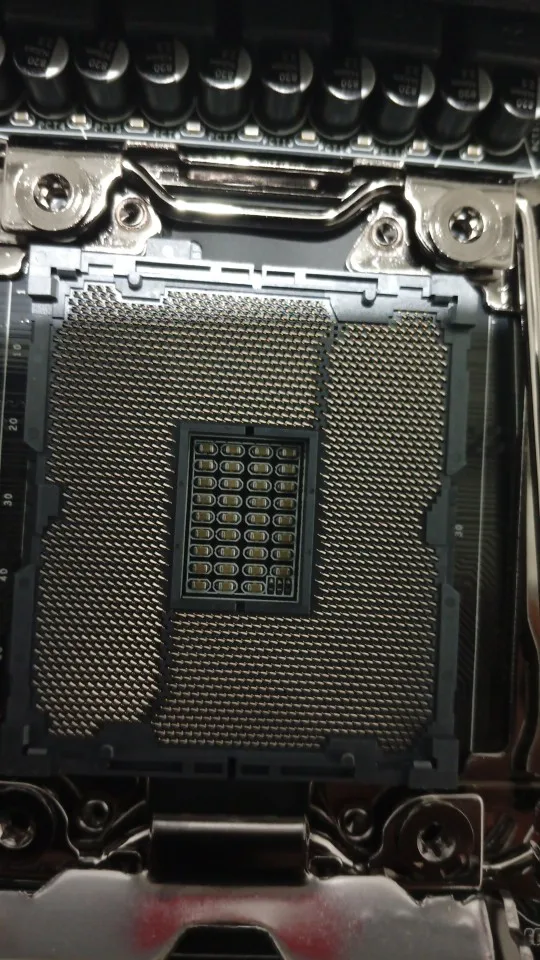
  • Socket LGA 2011-3: A placa-mãe gamer X99 suporta processadores Intel Xeon série E5 V3/V4 e processadores Core i7 de 5ª/6ª geração. (Ex: E5-1660 V3, E5-2666 V3, E5-2670 V3, E5-2650 V3, E5-2698 V3, E5-1620 V4, E5-2630 V4, E5-2640 V4, E5-2686 V4, E5-2690 V4, i7-5960X, i7-6900K, etc.)
  • Slots DDR4 de 4 canais: A placa-mãe para servidor X99 é compatível com memória DDR4 ECC, RECC e não ECC, com capacidade máxima de 4*32GB. (Memória de servidor e memória de desktop não podem ser usadas juntas; processadores da série I7 não são compatíveis com RAM de desktop)
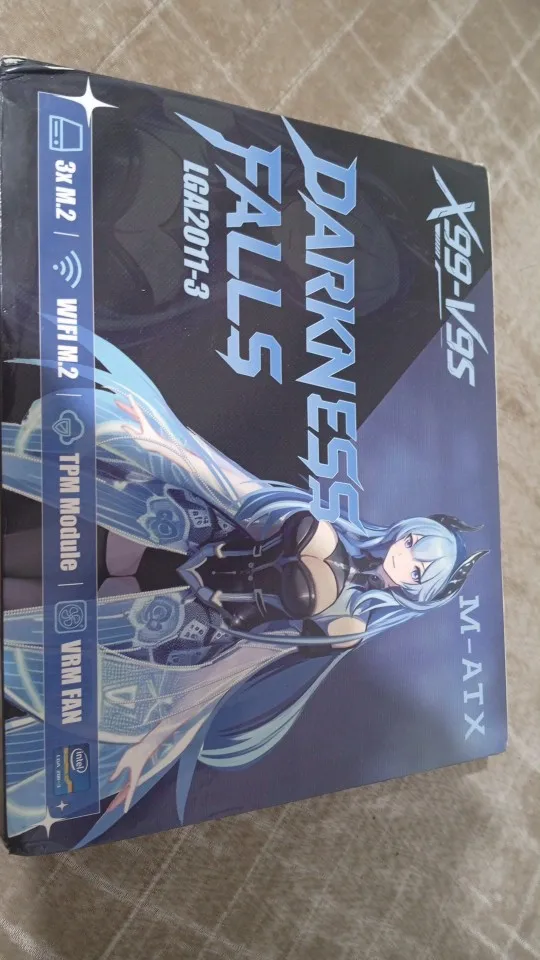
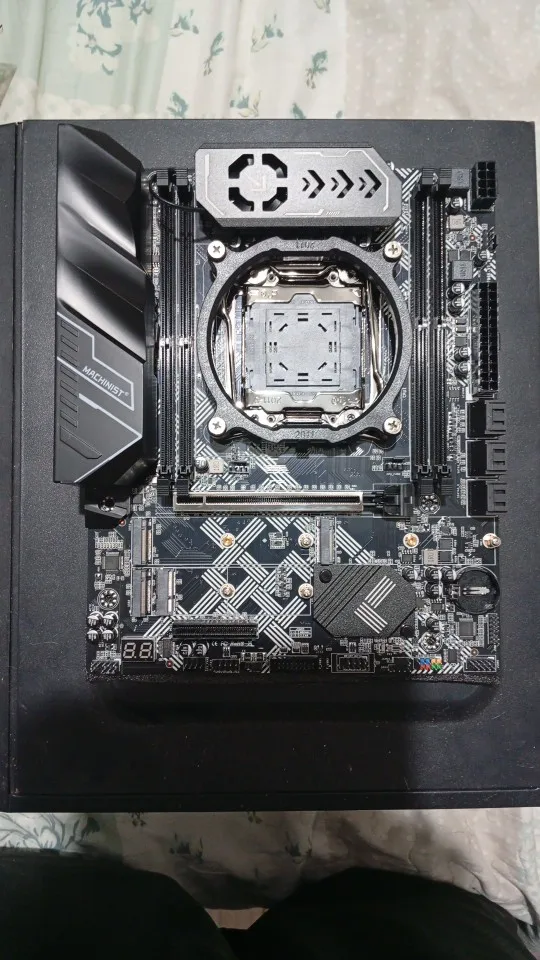
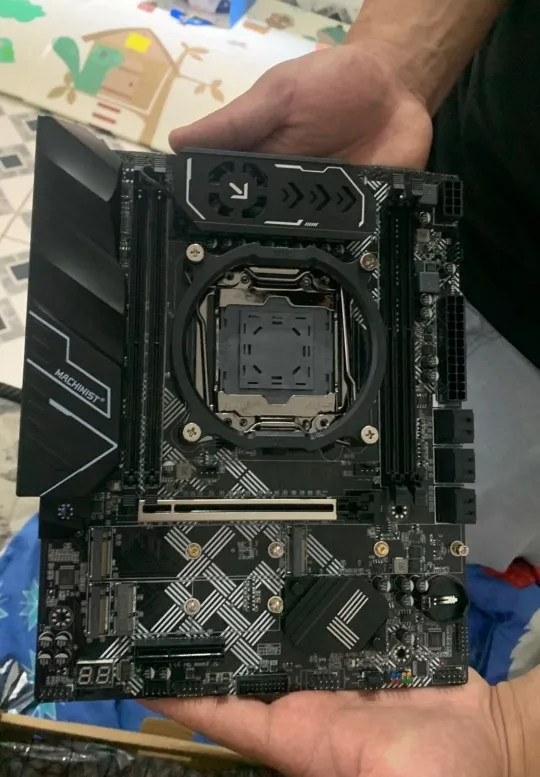
  • Interface de Jogo: Esta placa-mãe Intel LGA2011-V3 está equipada com 3 slots NVME M.2 (largura de banda PCIe 3.0 X4), 1 slot PCIe 3.0 X16 e 1 slot PCIe 3.0 X4, 1 interface Gigabit LAN, 1 interface TPM M.2 (apenas o módulo ASUS TPM é suportado)
  • Outros Componentes Poderosos: Chipset Intel C612, fonte de alimentação de 6 fases, e a placa-mãe com ventoinha de resfriamento VRM e proteção de blindagem para dissipação de calor, para garantir uma comunicação de barramento estável.
  • O Pacote Inclui: 1*suporte de cooler LGA 2011-v3, 1*cabo SATA, 1*espelho de I/O, 1*placa-mãe X99 U9. O manual do usuário não está incluído no pacote, mas podemos enviar o arquivo para você, caso precise. A bateria CR2032 da placa-mãe foi removida. Não está incluída no pacote, por favor, adquira separadamente.

Perguntas frequentes

Onde posso baixar o driver?

Você pode baixar o driver através de um dos seguintes links:
https://www.drivethelife.com/
https://www.drivermax.com/

Ele suporta overclocking?

NÃO!!! Esta placa-mãe não suporta overclock. Por favor, não altere as configurações, pois isso pode danificar a placa-mãe.

Quais funções a BIOS suporta?

Suspensão, Secure Boot, TPM 2.0, Wake‑on‑LAN, Auto Power On, RAID (RAID 0, RAID 1, RAID 5), Ajuste de Temporização de Memória, Controle de Velocidade da Ventoinha, Headless Boot, Decodificação Above 4G, Decodificação Re‑Size BAR

O computador não liga e as ventoinhas não giram

1. Algumas placas-mãe não inicializam após a remoção da bateria CMOS. Reinstale a bateria CMOS e descarregue-a (limpar CMOS) para resolver.
2. Pergunte ao cliente o modelo do seu processador para verificar a compatibilidade.
3. Verifique as conexões de energia: certifique-se de que o conector de energia da placa-mãe e o conector de energia do processador estejam firmemente encaixados. Verifique se o botão liga/desliga do gabinete está ativado.
4. Confirme se o cabo de energia do gabinete está conectado corretamente.
5. Teste com uma fonte de alimentação em bom estado para isolar possíveis problemas.
6. Remova todos os periféricos (placa de vídeo, discos rígidos, dispositivos USB, etc.) antes de ligar. (Para solucionar problemas no botão do gabinete, faça um curto-circuito diretamente nos pinos do botão com um objeto metálico para ignorar o mecanismo do botão.)
7. Substitua o processador.

Sem imagem (os ventiladores giram, mas as luzes do teclado não respondem ao pressionar o Caps Lock)

1. Redefina o BIOS/CMOS
2. Verifique se a fonte de alimentação da placa-mãe e o conector de energia da CPU estão conectados corretamente
3. Verifique a compatibilidade da memória e a posição correta de instalação
4. Verifique a compatibilidade da CPU
5. Substitua a CPU para determinar se ela está com defeito
6. Substitua a memória para determinar se ela está com defeito

Sem sinal de vídeo (as ventoinhas estão girando e o indicador de Caps Lock acende ao pressionar a tecla)

1. Verifique se o monitor está ligado
2. Certifique-se de que o cabo de vídeo esteja conectado firmemente (DP, HDMI, DVI, VGA)
3. Se estiver usando gráficos integrados (sem GPU dedicada instalada), confirme se a CPU inclui gráficos integrados (por exemplo, CPUs com sufixo "F" ou a série Intel Xeon não possuem gráficos integrados; é necessária uma GPU dedicada para o funcionamento normal)
4. Verifique se o cabo de vídeo está conectado à porta correta: conecte à porta de vídeo da placa-mãe se nenhuma GPU dedicada estiver instalada; conecte à porta de vídeo da GPU se houver uma GPU dedicada presente.
5. Substitua o cabo de vídeo para descartar problemas com o cabo.
6. Substitua a placa de vídeo para determinar se o monitor está funcionando corretamente.

Pressione o botão liga/desliga, a ventoinha gira uma vez e logo desliga. Ou reinicializações repetidas

1. Redefina o BIOS/CMOS.
2. Verifique a compatibilidade da CPU e certifique-se de que a CPU esteja funcionando corretamente.
3. Verifique a compatibilidade da memória e confirme se a memória está operando corretamente.
4. Desconecte a placa de vídeo, o disco rígido, dispositivos USB e outros periféricos. Ligue o sistema para ver se o problema persiste.

Tela azul ou travamento do computador

1. Verifique o resfriamento adequado: Certifique-se de que a ventoinha do cooler da CPU esteja girando, a base do cooler esteja firmemente assentada sobre a CPU e que a pasta térmica esteja aplicada.
2. Substitua a CPU.
3. Substitua a memória.
4. Substitua o disco rígido.
5. Substitua o sistema operacional.
6. Substitua a fonte de alimentação.

Você também pode gostar

  • 5 stars: 17 (94%)
  • 4 stars: 0 (0%)
  • 3 stars: 0 (0%)
  • 2 stars: 1 (6%)
  • 1 star: 0 (0%)
Z
Zina Haag

Perfectly functioning with TPM module and Windows 11

O
Octavio Kerluke

It arrived before the deadline, everything worked perfectly, TPM 2.0, all 4 RAM slots, everything in perfect condition. Could you please send me the BIOS update?

R
Ricki Lockman

Well-built motherboard, I really liked it. I've already installed TPM 2.0 and it's working perfectly. I had a JS11 that wasn't compatible with my RTX 5050, but this one provided video without any issues.

E
Ellamae Huels

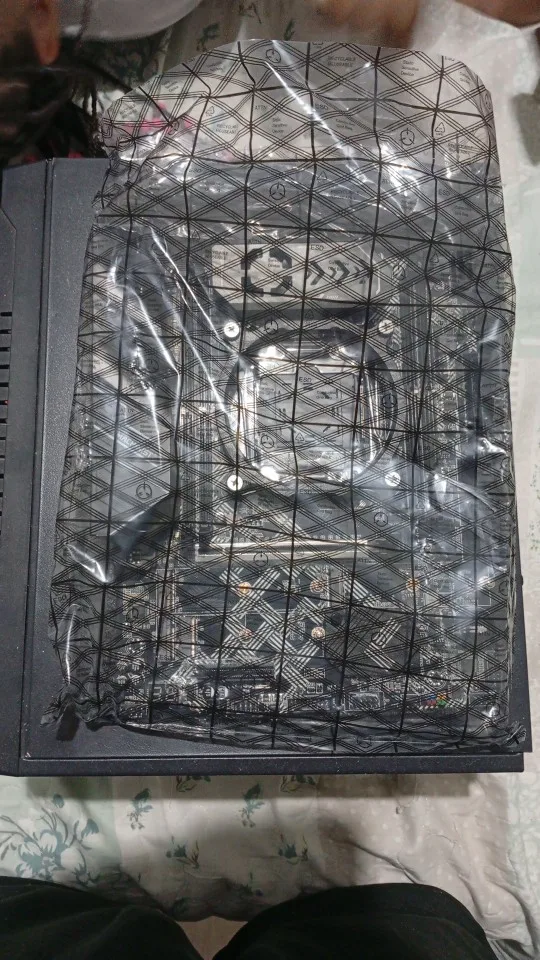
I received my Machinist V9S and, overall, I was satisfied. The outer packaging was a bit dented because there was no protection on the outside, but inside it was well secured, with another inner box and additional protection, which ensured the integrity of the board.
The board itself is very beautiful, with excellent craftsmanship and solid construction. I really liked the reinforced PCI Express slot and the look of the back, which is also quite stylish. Overall, it seems to be a board that is quite comprehensive in terms of features.
It worked perfectly, without any problems. The VRM temperature is excellent so far, at least at idle in the BIOS.
I intend to continue testing and, as I use it, I will add more comments in the future.

C
Chauncey O'Connell

Exceptional motherboard, I only found the delivery time a bit long, but maybe it's because of the Carnival. Otherwise, it's super good, easy to install, and compatible with Asus 14-pin TPM 2.0.

confi.
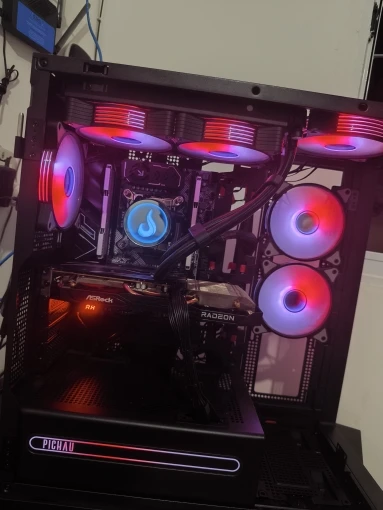
Xeon 2680v4
16GB of RAM
machinist motherboard
GPU RX 580

M
Mildred Romaguera

MACHINIST X99 V9S Motherboard LGA 2011-3 for Intel Xeon E5 V3 V4 DDR4 M-ATX

S
Shelby Prosacco

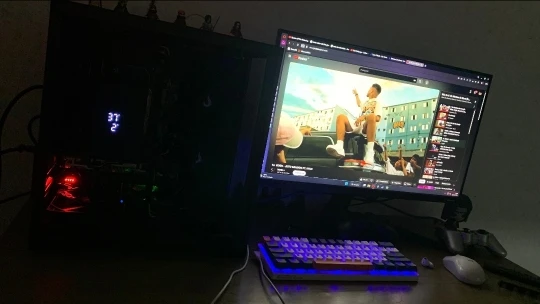
It arrived in tact without any dents on the box, something like that. I installed it and it's working perfectly. I haven't done an extress test yet, but I've already added two NVMe 3.0 1TB and an HD 1TB. This board is smaller than another one I had that used an ATX, and I only swapped it because the one I had was a PR9A Pro Max. When I tried to connect a USB, it burned the USB controller. I already ordered this one. I liked the board and it's good that it supports TPM 2.0 from ASUS, which is cheaper than buying a specific module that costs 150 reais or more.

C
Charley Olson

everything is working fine, I have already installed the TPM 2.0 module and it works perfectly.

Q
Quentin Runte

It arrived even before the deadline, amazing! I installed my processor on this board as soon as I got it. It took a little while to boot up and went into BIOS, but after the second time, it booted up 100%. Very top so far, I just need to test it with games. But this board is really amazing! I also installed the TPM 2.0 and it worked 100%. I just need to check if the VRM stays below 90 degrees, but everything is okay.

S
Sharell Grant

The quality of the board is very good. I bought the TPM 2.0 along with the motherboard. I installed Windows 11 without any problems and everything from the chipset was recognized. I recommend it.

S
Sol O'Hara

The board arrived in perfect condition and is working perfectly, it delivers what it promises, has a sturdy build and several NVMe and SATA ports. The BIOS is complete with current features like real-time bar, processor overclocking, memory timing. If you want a more complete BIOS, it's only for aesthetics because in terms of functionality it already has almost everything a Xeon would want to explore.

H
Hsiu Padberg

I’ve bought 2 of these and they’re by far my favorite x99 board i’ve bought and i have a problem where i’ve gotten a lot of these. tpm works without an issue and i can push my 2697v3 as far as i need too. good not great bios, wouldn’t recommend spending over 70 but if you want a good system using cheaper ecc ram this will do the trick especially with the way am4 prices have inflated.

I
Imogene Beahan

Motherboard way!! !
There is a mini cooler in the VRM, the appearance is amazing and it handles a Xeon E5-2680 V4 well!

C
Clair Will

Everything arrived in perfect condition, the box was undamaged, the motherboard recognized everything and the video quality was excellent. I ran some tests and everything worked, the VRM temperature remained at an average of 73 degrees. ° Much better compared to my previous one, which was 90 kkkkk.
Super fast shipping, arrived before the expected date, no complaints so far.
Congratulations to the seller

J
Jules Graham

Very nice board. Everything arrived in perfect condition. The board was tested and started up right away. Now just waiting for the TPM 2.0 chip. Tested and it started up. Sound, network, USB all working, using a 2680 v4 processor.

R
Rick Little

Very good board at an affordable price, now I can play Warzone on the Xeon.

E
Evia Lesch

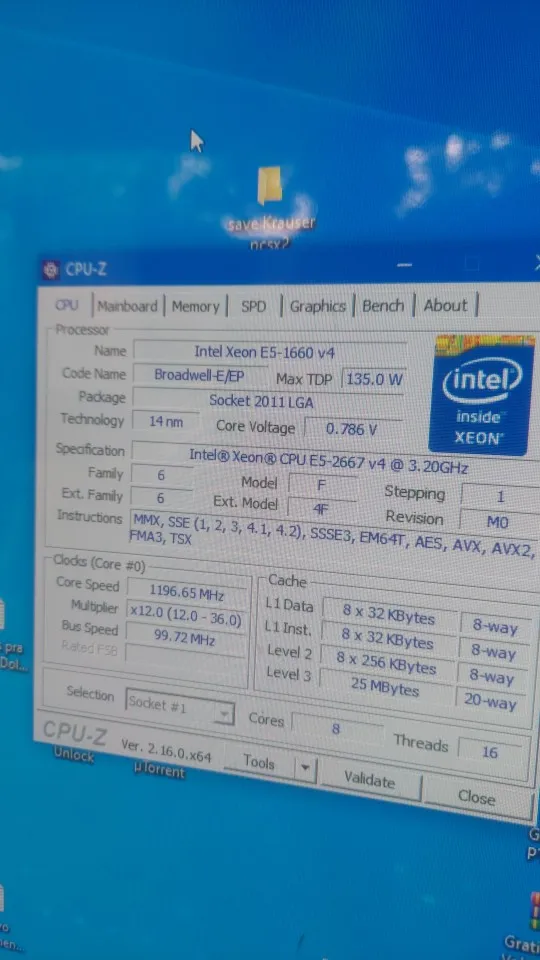
Works great with a xeon 1660 v4 and i added the tpm 2.0 module(which also works) i am able to run my 9060 xt 16 gb on it as well. I see overclocking options so i have bought a 1650 v3 to test . My hope is to be able to overclock and buy a 1660 -1680 v3 chip to push my gpu.

J
Jane Rogahn

Overall the board is nice but for some reason you cannot enable resizable bar on these machinist motherboards it gets stuck in a bios loop and will boot straight into the bios once you take and enable above 4g encoding and resizable bar and disable can. . Then will keep booting to bios and stay stuck in a loop. There is no updates for the bios either. I returned the first one i bought and got another but it's the same issue.